For Parents
A clear view of your rider's progress — without becoming their gatekeeper.
You manage enrollment, rider setup, and the Family Account. Your rider does the learning while you stay informed and provide real-world supervision.
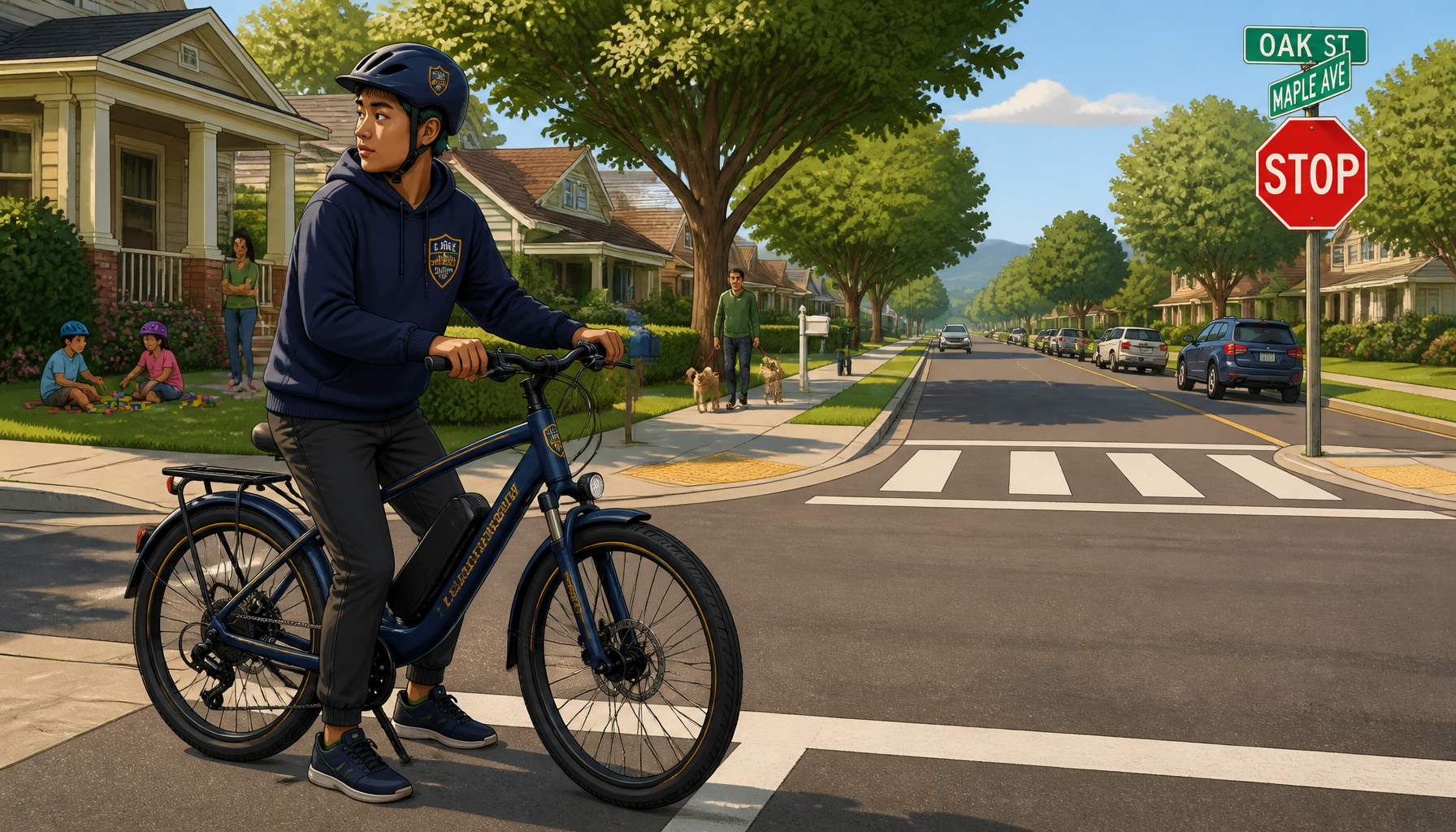
Your role, clarified
What the Academy asks of you — and what it doesn't.
Your responsibilities depend on your family’s setup and the applicable parent or guardian steps. Routine learning does not require constant approval.
Required or potentially required
- Create or sign in to the adult Family Account and complete the parent or guardian steps that apply.
- Choose a plan, complete enrollment when public enrollment is available, and set up the rider profile.
- Provide accurate rider information, including the rider’s primary riding state during account setup.
- Provide ordinary adult supervision and decide when the rider is ready for real-world riding.
Your rider doesn't wait on these
- Approving each lesson before the rider can continue.
- Reviewing every assessment result before routine progression.
- Signing in after every module to acknowledge progress.
- Manually unlocking standard lessons for routine progression.
- Completing optional practical skills before Academy graduation.
Stay involved in the ways that help
- Reviewing progress, assessment results, achievements, and certificates when you choose.
- Supporting real-world practice using the optional practical-skills guidance.
- Using available notifications and module-completion guidance.
- Helping a rider set up or reset independent rider sign-in credentials.
Family Account
One place to support your riders.
The Family Account keeps adult account controls and appropriate rider information together. It is where parents manage rider access and review available progress, achievements, certificates, and notifications.
Follow Progress
Review current course progress and assessment information.
See Achievements
Access earned achievements and available certificates.
Manage Riders
Set up rider access and manage family account details.
Use Available Updates
Access available notifications and module-completion guidance.
Family Account
Riders
Progress
Achievements
Certificates
Account settings
Your riders
Demo rider
Course progress and achievements stay visible in one place.
Illustrative preview — fictional demo information
Parent updates
Stay connected to what they're learning.
When milestone emails are turned on, you can receive a helpful recap as your rider completes each module—giving you a quick look at their progress, what they learned, and ways to reinforce those skills at home.
What's included in a module recap
Course Progress
See where your rider is in the 12-module Academy journey.
What Your Rider Learned
Review the key skills and safety habits covered in the completed module.
Assessment Status
See that the module assessment was passed, with detailed results available in your Parent Dashboard.
Coaching Tips
Know what good technique looks like, what to watch for, and questions you can ask your rider.
Practice at Home
Get simple recommendations for reinforcing the skills your rider just learned.
Safety Callouts
Review important safety reminders connected to the module's skills.
What's Next
Get a preview of the skills and topics your rider will encounter in the next module.
Rider access
Two distinct ways for riders to enter.
Rider Mode and independent Rider Sign In use separate credentials and should not be confused.
Rider Mode PIN
A rider enters Rider Mode from an adult’s signed-in Family Account using the rider’s Rider Mode PIN. Rider Mode presents the rider experience while the adult account session remains in place; exiting returns to the parent area.
Independent Rider Sign In
A rider can sign in separately with the Academy username and 6-digit Rider Sign-In Passcode set up by a parent. These credentials are separate from the Rider Mode PIN.
The rider experience
A concise view of the curriculum
The Academy has 12 modules covering the e-bike, protective equipment, riding skills, real-world decisions, and emergency response. The Curriculum page owns the complete four-stage module roadmap.
Explore the CurriculumOptional practical skills
Adult-supported practical skill building can reinforce what riders learn online. It is optional and is not required for graduation.
Not a road test
Graduation
What parents need to know
Parent approval and optional practical skills are not Academy graduation requirements. See the complete authoritative path from module completion through the Final Exam, Safe Rider Pledge, and Graduate Certificate.
See How Graduation WorksKnow the rules where you ride
Verify local requirements before riding.
The course is the same nationwide. E-bike rules can vary by state and locality and may change. The Academy provides general safety education, not legal advice.
Know the RulesPrivacy & account protections
Built with young riders in mind
Adult account access and rider access are distinct. Parents control rider setup and credentials from the Family Account, while riders receive an experience intended for course participation. Review the privacy policy for full details.
Common parent questions
Answers for the decisions parents make
Choose your next step
Understand the journey before enrollment.
See how family setup, rider learning, Academy completion, and graduation fit together.